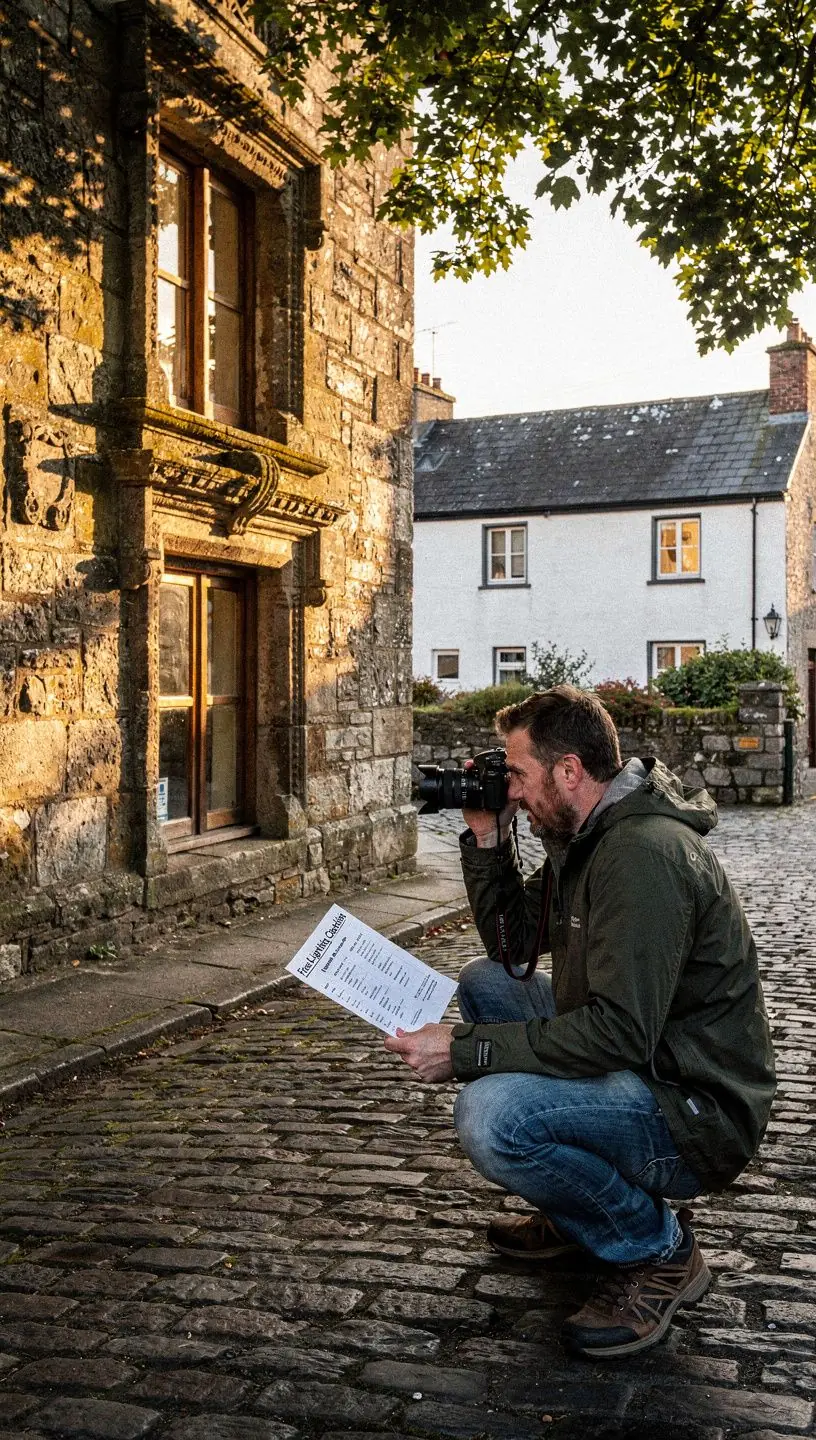
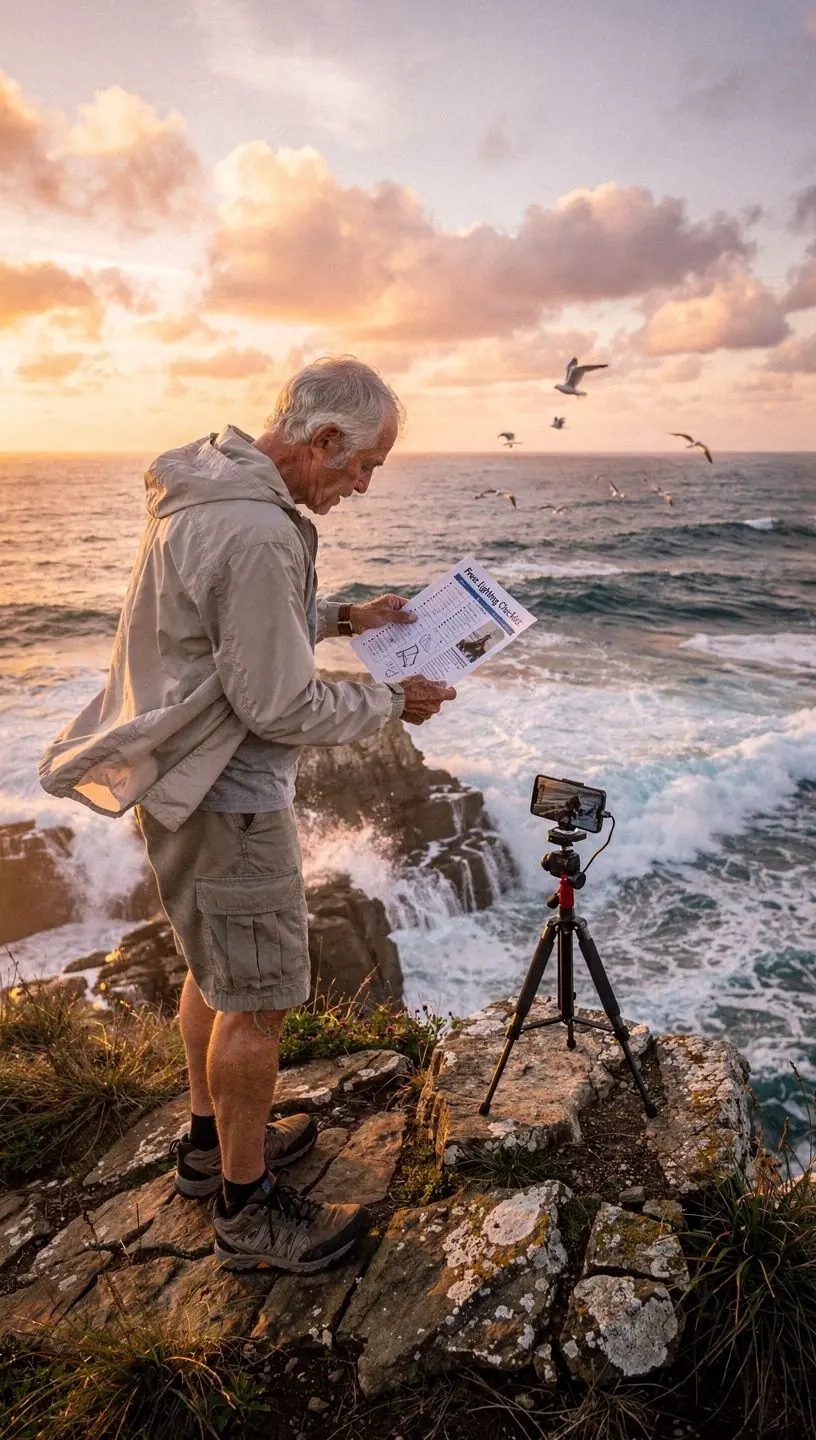
Adjusting White Balance for Accurate Colors
In mobile photography, achieving accurate colors is vital for creating visually appealing images. One of the essential aspects you can control is white balance. This article explores how adjusting white balance can enhance your photography skills, ensuring that the colors in your images are true to life.
Understanding White Balance
White balance is a camera setting that influences how colors are represented in your photographs. It adjusts the color temperature of your images, helping to ensure that whites appear white and that other colors appear as they do in real life. According to photography experts, this adjustment is crucial in achieving a natural look, especially under different lighting conditions.
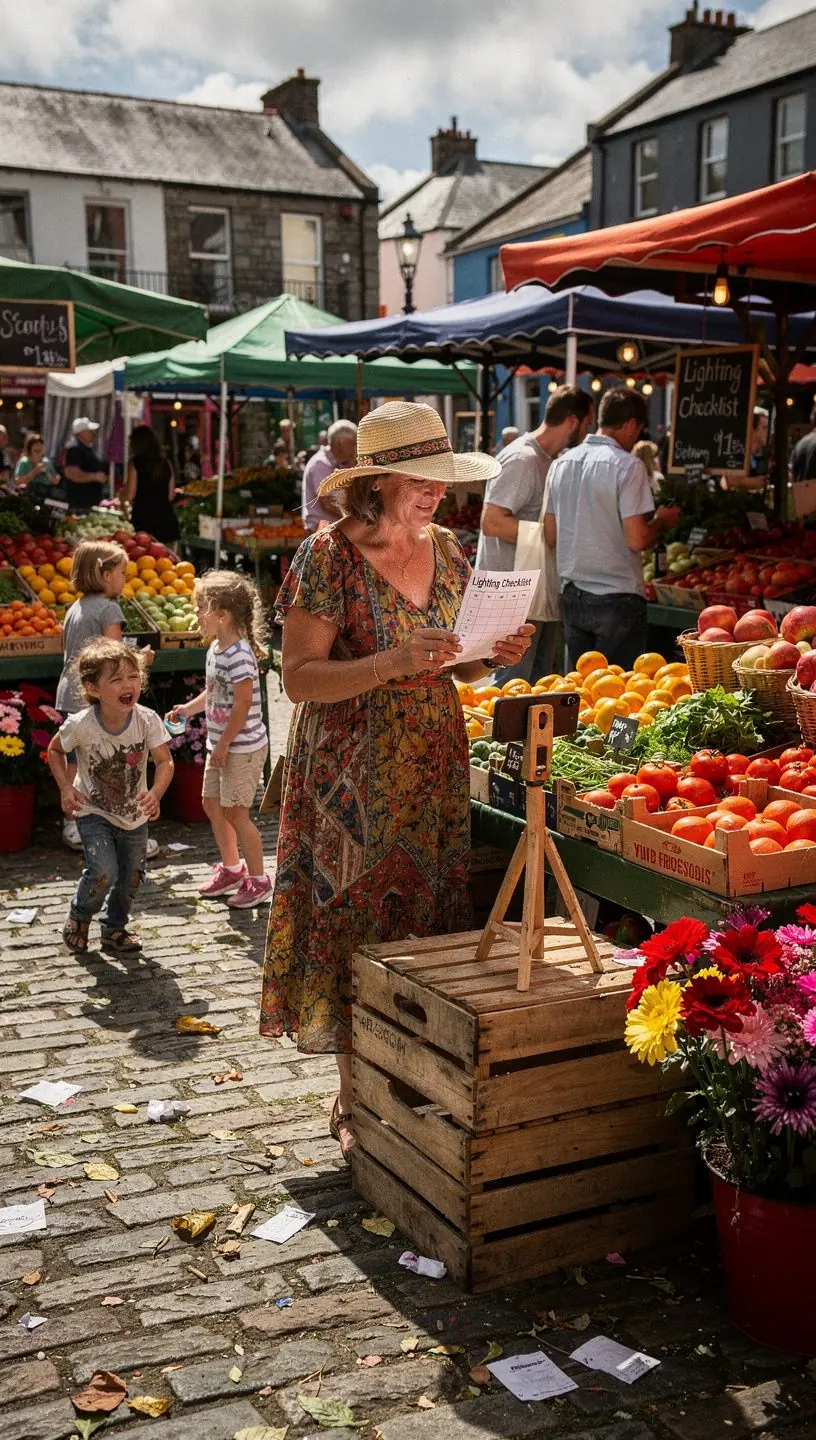
"Proper white balance is essential for capturing accurate colors in photography, as different light sources emit various color temperatures."
The Science Behind Color Temperature
Color temperature is measured in Kelvin (K), ranging from cool (blue) to warm (orange) tones. For instance:
- Daylight typically falls around 5500K - 6500K, appearing neutral.
- Incandescent bulbs often range from 2500K - 3000K, creating a warm, yellowish hue.
- Shade or cloudy conditions may sit around 6000K - 7000K, resulting in cooler tones.
Understanding these temperatures can help you make informed decisions when setting your camera’s white balance, ensuring that your photos reflect the true colors of the scene.
How to Adjust White Balance on Your Mobile Device
Most modern smartphones offer a variety of white balance settings, often labeled as Auto, Sunny, Cloudy, Tungsten, and Fluorescent. Adjusting these settings can significantly impact your photos. Here’s a practical approach to using these settings:
- Start with Auto: Use the auto setting in most lighting situations as it typically provides acceptable results.
- Assess Your Lighting: If the colors appear inconsistent, switch to the appropriate preset based on your lighting conditions. For instance, if shooting indoors under warm incandescent lights, select the Tungsten setting.
- Manual Adjustment: For more control, consider using a manual white balance setting or a dedicated photography app that allows you to customize the color temperature. This may involve some trial and error but can lead to more precise results.
Common Challenges and How to Overcome Them
While adjusting white balance can significantly improve your photos, it does come with challenges:
- Overwhelming Choices: Many users report feeling overwhelmed by the options available. It typically takes practice to understand which settings work best in different environments.
- Lighting Changes: As lighting conditions change, so should your white balance settings. This requires awareness and quick adjustments, which may require some dedication to master.
Addressing these challenges is part of the learning curve in mobile photography. Trying out various settings and conditions will help you become more comfortable with these adjustments.
Conclusion
Adjusting white balance is a fundamental skill in mobile photography that can significantly enhance the quality of your images. By understanding color temperature and how to manipulate white balance settings on your device, you can achieve more accurate and vibrant colors in your photos. Remember, practice is key; so take the time to experiment with different settings and learn how they impact your images.
For a more comprehensive approach to enhancing your mobile photography skills, consider checking out our free lighting checklist available on clearengine.